
Similar Tools
About Luminar Neo
What It Does
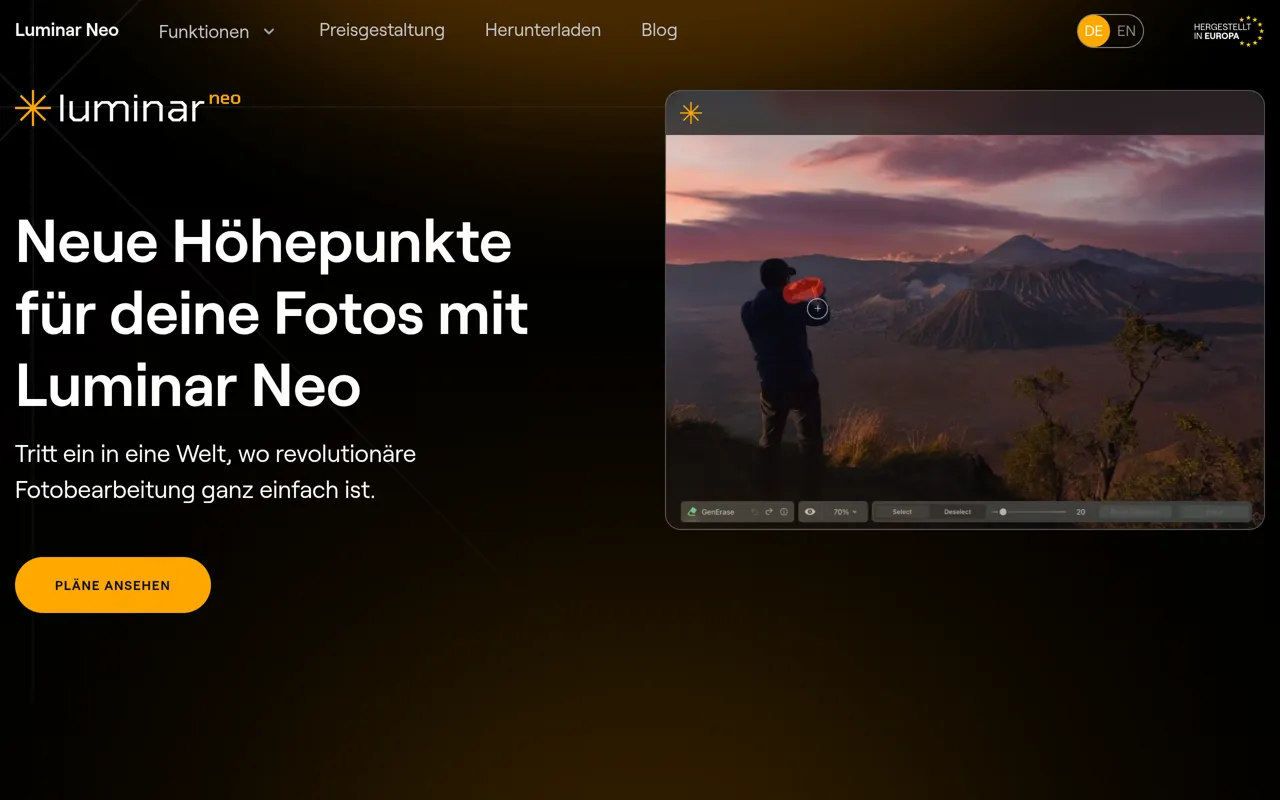
Luminar Neo is a professional AI-powered photo editing software that combines classical photo editing capabilities with cutting-edge artificial intelligence tools. Developed by Skylum for macOS and Windows, it delivers revolutionary photo editing through an intuitive interface that makes advanced editing accessible to both beginners and professionals.
Key Features & Capabilities
• 20+ AI-Powered Tools: Automatic sky replacement (Sky AI), portrait retouching (Portrait AI, Skin AI), detail enhancement (Structure AI), one-click improvements (Enhance AI), noise reduction (Denoise AI), and object removal (Generative Erase) • Advanced Editing Functions: RAW file processing, layer support, non-destructive editing, lens correction, clone tools, dodge & burn, color enhancement, and batch processing • Creative Assets: 120 presets, 50 overlays, 35 skies for landscapes, and 40 LUTs for advanced effects • Professional Workflow: Crop and resize tools, supercontrast, atmosphere adjustments, relighting, and sun rays effects • Generative AI: Generative delete, expand, and replace tools for advanced compositing
Who It's For
Luminar Neo serves photographers at all skill levels. Hobbyists appreciate the simple AI automations and German-language interface, while professionals leverage batch processing, RAW editing, lens correction, and extensive preset libraries. It's particularly well-suited for portrait photographers, landscape shooters, and creative professionals seeking a Lightroom or Photoshop alternative without subscription costs.
Integration & Workflow
Works as a standalone application or seamlessly integrates as a plugin for Adobe Lightroom Classic, Adobe Photoshop, and Apple Photos for macOS. This flexibility allows photographers to maintain their existing workflows while accessing Luminar Neo's powerful AI capabilities.
What Sets It Apart
Unlike subscription-based competitors, Luminar Neo offers both one-time lifetime licenses and subscription options. Its award-winning interface simplifies complex tasks through AI automation while maintaining professional-grade control. The software provides deeper AI integration than traditional editors with a significantly flatter learning curve than Photoshop, making it an ideal choice for photographers seeking powerful editing without monthly fees.
AI Tool
Analytics
AI Tool Categories
AI agents that analyze and process visual data
AI tools for creating, editing, and manipulating images
AI agents designed to enhance personal and professional productivity by automating tasks, managing schedules, prioritizing work, and providing insights to improve efficiency.
AI tools and platforms designed to create, optimize, and enhance digital content. These agents assist in generating text, images, audio, video, and multimedia assets, catering to diverse needs across industries such as marketing, education, entertainment, and e-commerce.
AI Tool Use Cases
Image Generation
Create, edit and manipulate images
Design and Graphics
Create and edit graphic designs
Content Generation
AI-powered tools that generate content for blogs, social media, and other platforms based on given prompts and topics.
Image Augmentation
Enhance and preprocess datasets using AI agents to apply transformations like rotation, scaling, flipping, or color adjustments, improving model performance and robustness.
Reviews
Need help implementing Luminar Neo?
Connect with certified implementation partners who can help transform your business with Luminar Neo. Our vetted experts specialize in AI integration and deployment.
Find Implementation PartnersVetted Experts
Pre-screened partners with proven expertise in AI implementation
Fast Deployment
Accelerate your AI integration with experienced professionals
Guaranteed Results
Work with partners who understand your business needs
AI Tool
Analytics
AI Tool Pricing
Free Tier AvailableFreemium Model
Free basic features with premium features available for paid users. Start for free and upgrade as needed.
Paid plans starting from
Free tier includes basic features to get started
Prices may vary based on usage volume and selected features. Contact sales for custom enterprise pricing.
Integration Methods
Standard REST API integration for direct data access
Flexible GraphQL API for efficient data querying
Real-time WebSocket integration for live updates
High-performance gRPC API integration
Integration of AI systems with external applications and services through APIs for seamless data exchange and functionality.
AI agents with desktop applications to enhance functionality and workflows. These integrations enable advanced features like local data processing, task automation, and offline capabilities, making AI agents more accessible for professional and personal use.
Need help implementing Luminar Neo?
Connect with certified implementation partners who can help transform your business with Luminar Neo. Our vetted experts specialize in AI integration and deployment.
Find Implementation PartnersVetted Experts
Pre-screened partners with proven expertise in AI implementation
Fast Deployment
Accelerate your AI integration with experienced professionals
Guaranteed Results
Work with partners who understand your business needs
Similar Tools

AI Image Combiner
AI-powered tool to blend two images into one naturally matched photo with preserved faces and lighting.

ZEnhancer (Photo Enhancer Free)
AI-powered photo enhancer that sharpens, upscales, deblurs, and restores images online for free.

Clipdrop
AI-powered suite of visual editing tools for background removal, image upscaling, and content creation.

Vimi
AI-powered photo editor that transforms static images into dynamic, artistic living moments
Featured Agents
Discover our hand-picked selection of exceptional AI agents

Wispr Flow
Wispr
AI-powered voice dictation that turns natural speech into polished writing 4x faster than typing.
(0.0)

Unbounce
Unbounce Inc.
AI-powered landing page builder with no-code A/B testing and conversion optimization for marketers.
(0.0)

KnockoutStocks
KnockoutStocks
Smart stock analysis platform with AI-powered factor scoring for investment decision-making.
(5.0)

Replit
Replit, Inc.
AI-powered platform for building full-stack apps with parallel agents, no coding required.
(0.0)

Palabra.ai
Palabra AI
Real-time AI speech translation for live calls, events, and streams in 60+ languages.
(0.0)