
Similar Tools
About Pointer
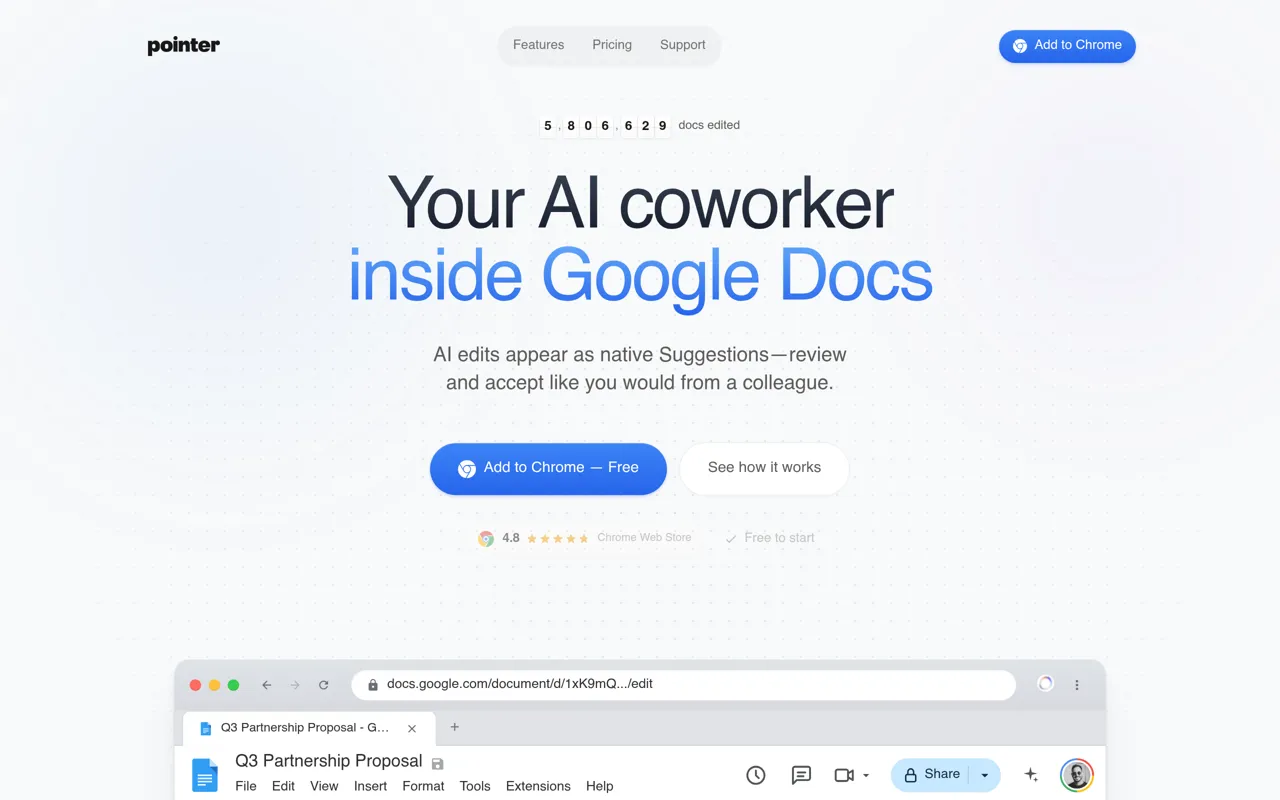
Pointer is an AI writing assistant that integrates seamlessly into Google Docs, delivering intelligent edits through the platform's native Suggestions feature. Instead of copying and pasting between external windows, users receive AI-powered revisions directly within their documents, maintaining the collaborative workflow Google Docs was designed for.
Who It's For
Pointer serves professionals, teams, and anyone who relies on Google Docs for writing proposals, reports, documentation, and collaborative content. It's particularly valuable for business development teams, content creators, and knowledge workers who need to refine documents quickly while maintaining full control over changes.
Key Features & Capabilities
- Native Suggestions Mode: All AI edits appear as standard Google Docs suggestions with tracked changes—additions underlined, deletions crossed out—preserving full revision history
- Contextual Explanations: Every suggested edit includes a clear explanation of why the change was made, enabling informed accept/reject decisions
- Voice Commands: Speak editing instructions naturally for hands-free operation
- Format Preservation: Headers, lists, tables, and document structure remain intact through all edits
- 35+ Language Support: Full functionality across languages including non-Latin scripts
- Powered by Claude: Uses Anthropic's advanced language model for nuanced, thoughtful writing assistance
How It Works
The workflow is straightforward: describe your editing needs in plain English using the Pointer bar at the bottom of your document ("Fix typos," "Make this more formal," "Add bullet points"). Pointer analyzes your document's context and generates precise suggestions. Review each change individually with its explanation, or accept all at once—exactly like reviewing a colleague's edits.
What Sets It Apart
Unlike AI tools that disrupt document workflows with external interfaces, Pointer works within Google Docs' existing collaboration paradigm. Users maintain complete control with the ability to accept, reject, or undo changes while preserving their document's formatting and structure. The explanation feature ensures transparency in every AI recommendation, building trust and understanding in the editing process.
AI Tool
Analytics
AI Tool Categories
AI agents capable of generating human-like text for blogs, articles, and other written content.
AI agents designed to enhance personal and professional productivity by automating tasks, managing schedules, prioritizing work, and providing insights to improve efficiency.
AI tools and platforms designed to create, optimize, and enhance digital content. These agents assist in generating text, images, audio, video, and multimedia assets, catering to diverse needs across industries such as marketing, education, entertainment, and e-commerce.
AI Tool Use Cases
Reviews
Need help implementing Pointer?
Connect with certified implementation partners who can help transform your business with Pointer. Our vetted experts specialize in AI integration and deployment.
Find Implementation PartnersVetted Experts
Pre-screened partners with proven expertise in AI implementation
Fast Deployment
Accelerate your AI integration with experienced professionals
Guaranteed Results
Work with partners who understand your business needs
AI Tool
Analytics
AI Tool Pricing
Free Tier AvailableFreemium Model
Free basic features with premium features available for paid users. Start for free and upgrade as needed.
Paid plans starting from
Free tier includes basic features to get started
Prices may vary based on usage volume and selected features. Contact sales for custom enterprise pricing.
Integration Methods
Need help implementing Pointer?
Connect with certified implementation partners who can help transform your business with Pointer. Our vetted experts specialize in AI integration and deployment.
Find Implementation PartnersVetted Experts
Pre-screened partners with proven expertise in AI implementation
Fast Deployment
Accelerate your AI integration with experienced professionals
Guaranteed Results
Work with partners who understand your business needs
Similar Tools

Effie
Minimalist writing workspace with AI assistance, mind mapping, outlines, and cross-platform sync.

Rytr
AI writing assistant for crafting high-quality content effortlessly.

BloggerAI
AI-powered blog editor that helps you write SEO-optimized content faster using your own OpenAI API key.

APIQIK
A unified AI API platform that provides access to leading AI models through a single integration.
Featured Agents
Discover our hand-picked selection of exceptional AI agents

KnockoutStocks
KnockoutStocks
Smart stock analysis platform with AI-powered factor scoring for investment decision-making.
(5.0)

Replit
Replit, Inc.
AI-powered platform for building full-stack apps with parallel agents, no coding required.
(0.0)

Palabra.ai
Palabra AI
Real-time AI speech translation for live calls, events, and streams in 60+ languages.
(0.0)

Unbounce
Unbounce Inc.
AI-powered landing page builder with no-code A/B testing and conversion optimization for marketers.
(0.0)

Wispr Flow
Wispr
AI-powered voice dictation that turns natural speech into polished writing 4x faster than typing.
(0.0)