
Similar Tools
About Mermaid Viewer
What It Does
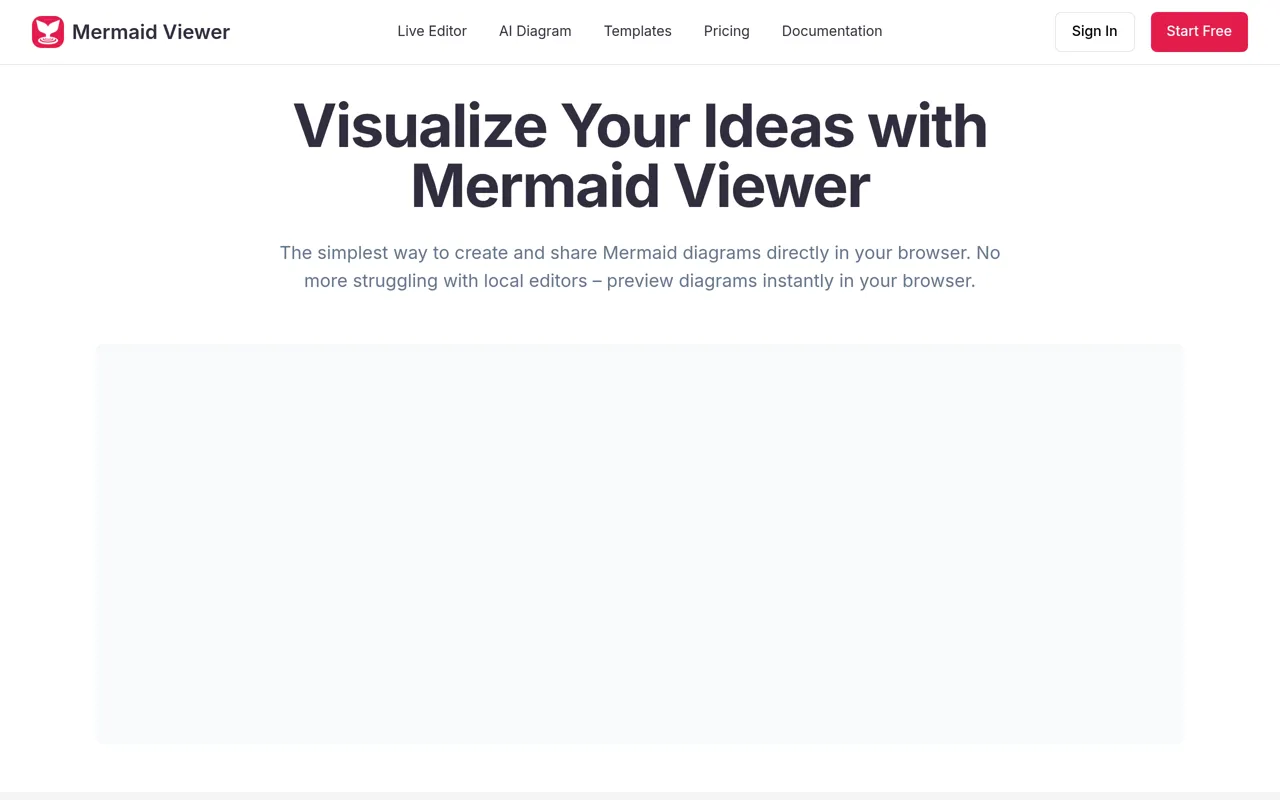
Mermaid Viewer is an online diagram editor that lets developers and teams create professional diagrams directly in the browser using Mermaid syntax. It provides instant live preview as you type, eliminating the need for local installations or render buttons. The tool supports multiple diagram types including flowcharts, timelines, wireframes, and more.
Key Features & Capabilities
• Live Preview: See diagram changes in real-time as you type, with no manual rendering required • AI-Assisted Generation: "Generate with GPT-4" button converts text descriptions into Mermaid code automatically • Smart Export: Save diagrams as SVG, PNG, JPG, or PDF with customizable DPI settings and dark/light theme options • Smart Debugging: Syntax error highlighting with auto-correction suggestions to help catch issues quickly • Real-time Collaboration: Share editor links with team members for co-editing diagrams • Template Library: Pre-built templates for common use cases including governance flows, academic timelines, course lifecycles, and wireframe collaboration workflows • Version History: Track changes with up to 100 saved versions (Pro plan) • VS Code Extension: Integrate directly into your development workflow
Who It's For
Mermaid Viewer is designed for developers, DevOps engineers, technical architects, and product teams who need to create and share technical diagrams quickly. It's particularly valuable for teams documenting architecture, designing workflows, mapping processes, or creating visual documentation.
Privacy & Deployment
The tool operates with a privacy-first approach—data stays in your browser by default. For enterprise needs, it offers Docker private deployment with role-based access control. No signup is required to start creating diagrams, making it instantly accessible for quick diagramming tasks.
What Makes It Different
Unlike traditional diagramming tools that require desktop applications or complex setup, Mermaid Viewer works entirely in the browser with zero installation. The AI-assisted code generation and smart debugging features streamline the creation process, while the VS Code extension brings diagram creation directly into the developer workflow.
AI Tool
Analytics
AI Tool Categories
AI-powered programming and development tools
Tools and agents specialized in code generation, software architecture, testing, and development automation. Includes autonomous coding assistants and development workflow automation.
AI agents designed to enhance personal and professional productivity by automating tasks, managing schedules, prioritizing work, and providing insights to improve efficiency.
AI Tool Use Cases
Software Development
AI-powered agent assistants that automates and streamlines various stages of the software development lifecycle
System Design
An AI-powered assistant that helps with the architecture and design of complex systems. It automates tasks such as designing scalable and efficient architectures, selecting appropriate technologies, creating UML diagrams, and ensuring system requirements are met.
Code Generation
Automated creation of source code, scripts, and development solutions using AI assistance
Reviews
Need help implementing Mermaid Viewer?
Connect with certified implementation partners who can help transform your business with Mermaid Viewer. Our vetted experts specialize in AI integration and deployment.
Find Implementation PartnersVetted Experts
Pre-screened partners with proven expertise in AI implementation
Fast Deployment
Accelerate your AI integration with experienced professionals
Guaranteed Results
Work with partners who understand your business needs
AI Tool
Analytics
AI Tool Pricing
Free Tier AvailableFreemium Model
Free basic features with premium features available for paid users. Start for free and upgrade as needed.
Paid plans starting from
Free tier includes basic features to get started
Prices may vary based on usage volume and selected features. Contact sales for custom enterprise pricing.
Integration Methods
Standard REST API integration for direct data access
Flexible GraphQL API for efficient data querying
Real-time WebSocket integration for live updates
High-performance gRPC API integration
Streaming API for continuous data flow
Integration of AI systems with external applications and services through APIs for seamless data exchange and functionality.
Need help implementing Mermaid Viewer?
Connect with certified implementation partners who can help transform your business with Mermaid Viewer. Our vetted experts specialize in AI integration and deployment.
Find Implementation PartnersVetted Experts
Pre-screened partners with proven expertise in AI implementation
Fast Deployment
Accelerate your AI integration with experienced professionals
Guaranteed Results
Work with partners who understand your business needs
Similar Tools

Traycer
Complex Code Changes Made Simple

ChatDev
Multi-agent collaboration platform for software creation using natural language and LLMs.

Replit Agent
Simplifies software development with natural language prompts for building and debugging apps.

Devyan
Devyan is an AI-powered software development assistant that orchestrates a team of agents to automate code.
Featured Agents
Discover our hand-picked selection of exceptional AI agents

Palabra.ai
Palabra AI
Real-time AI speech translation for live calls, events, and streams in 60+ languages.
(0.0)

Unbounce
Unbounce Inc.
AI-powered landing page builder with no-code A/B testing and conversion optimization for marketers.
(0.0)

KnockoutStocks
KnockoutStocks
Smart stock analysis platform with AI-powered factor scoring for investment decision-making.
(5.0)

Replit
Replit, Inc.
AI-powered platform for building full-stack apps with parallel agents, no coding required.
(0.0)

Wispr Flow
Wispr
AI-powered voice dictation that turns natural speech into polished writing 4x faster than typing.
(0.0)