Similar Tools
About Highlight Studio
What It Does
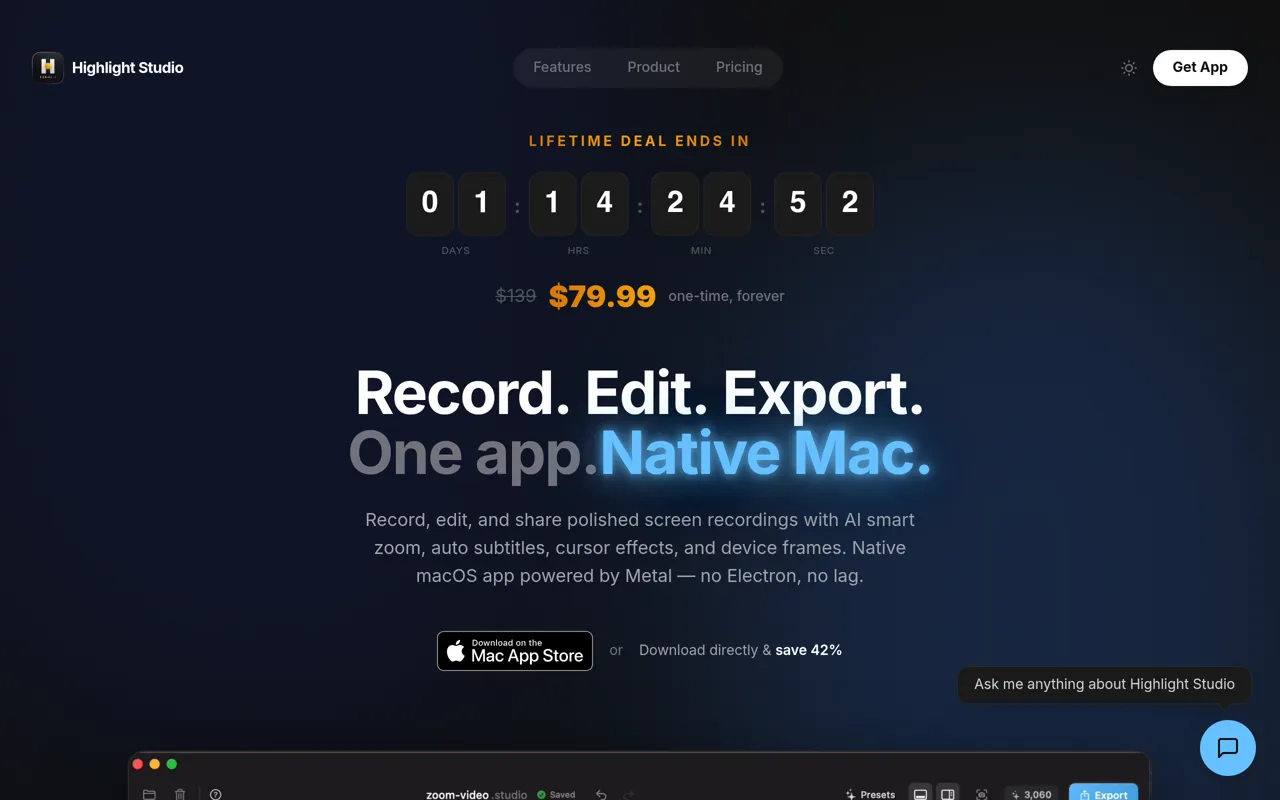
Highlight Studio is a professional-grade screen recording application designed specifically for Mac users who need to capture, edit, and share high-quality screen recordings. It combines powerful screen capture capabilities with an integrated video editor, allowing users to create polished video content without switching between multiple applications.
Who It's For
This tool is ideal for content creators, educators, product managers, marketers, and anyone who needs to create tutorial videos, product demos, training materials, or presentation recordings on Mac. Whether you're documenting software workflows, creating educational content, or producing marketing videos, Highlight Studio provides the tools needed for professional results.
Key Features & Capabilities
• Native Mac Screen Recording: Optimized performance for macOS with system-level integration • Built-in Video Editor: Edit your recordings immediately after capture without exporting to another application • Professional Output: Create high-quality videos suitable for tutorials, demos, and presentations • Streamlined Workflow: Capture and edit in one application, reducing context switching and improving productivity
What Makes It Different
Highlight Studio distinguishes itself by offering a seamless, Mac-native experience that combines recording and editing in a single, purpose-built application. Rather than requiring users to juggle separate screen recording and video editing tools, it provides an integrated workflow optimized for the Mac platform, enabling faster content creation with professional results.
AI Tool
Analytics
AI Tool Categories
AI-powered video editing, enhancement, and post-processing tools
AI agents designed to enhance personal and professional productivity by automating tasks, managing schedules, prioritizing work, and providing insights to improve efficiency.
AI Tool Use Cases
Reviews
Need help implementing Highlight Studio?
Connect with certified implementation partners who can help transform your business with Highlight Studio. Our vetted experts specialize in AI integration and deployment.
Find Implementation PartnersVetted Experts
Pre-screened partners with proven expertise in AI implementation
Fast Deployment
Accelerate your AI integration with experienced professionals
Guaranteed Results
Work with partners who understand your business needs
AI Tool
Analytics
AI Tool Pricing
Free Tier AvailableFreemium Model
Free basic features with premium features available for paid users. Start for free and upgrade as needed.
Paid plans starting from
Free tier includes basic features to get started
Prices may vary based on usage volume and selected features. Contact sales for custom enterprise pricing.
Need help implementing Highlight Studio?
Connect with certified implementation partners who can help transform your business with Highlight Studio. Our vetted experts specialize in AI integration and deployment.
Find Implementation PartnersVetted Experts
Pre-screened partners with proven expertise in AI implementation
Fast Deployment
Accelerate your AI integration with experienced professionals
Guaranteed Results
Work with partners who understand your business needs
Similar Tools
HitPaw Edimakor
Easy Video Creation Powered by Edimakor AI
Face Swap AI
Create Deep fake anonymously with AI

Pictory AI
AI-powered video editing platform.

ShortGPT
Automating video and short content creation with AI
Featured Agents
Discover our hand-picked selection of exceptional AI agents
KnockoutStocks
KnockoutStocks
Smart stock analysis platform with AI-powered factor scoring for investment decision-making.
(5.0)

Replit
Replit, Inc.
AI-powered platform for building full-stack apps with parallel agents, no coding required.
(0.0)

Unbounce
Unbounce Inc.
AI-powered landing page builder with no-code A/B testing and conversion optimization for marketers.
(0.0)

Wispr Flow
Wispr
AI-powered voice dictation that turns natural speech into polished writing 4x faster than typing.
(0.0)

Palabra.ai
Palabra AI
Real-time AI speech translation for live calls, events, and streams in 60+ languages.
(0.0)