
Similar Tools
About GS Copilot
What It Does
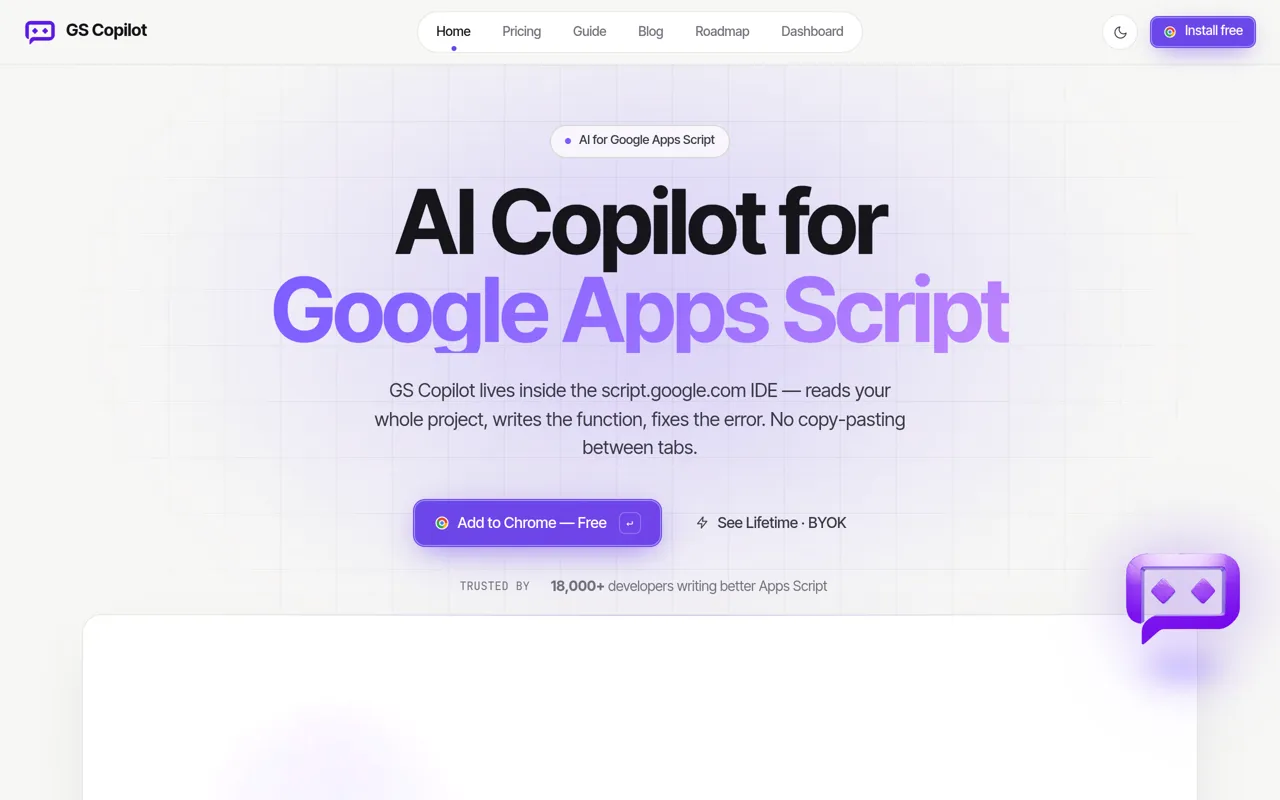
GS Copilot is an AI-powered coding assistant that lives directly inside the Google Apps Script IDE at script.google.com. Unlike generic code completion tools, it's specifically trained on Apps Script and Google Workspace APIs (Sheets, Docs, Gmail, Drive, Calendar), understanding your entire project context to write functions, fix errors, and refactor code without the need to copy-paste between tabs.
Who It's For
GS Copilot serves Apps Script developers of all skill levels—from seasoned engineers automating enterprise workflows to business users building their first spreadsheet automation. Over 18,000 developers use it to write Apps Script faster, with users reporting 63% time savings per script.
Key Features & Capabilities
- AI Chat Panel: Ask questions about your project, debug errors, and generate Apps Script code in a chat interface that understands your open files
- Agent Mode: Describe high-level goals and let the AI explore your project autonomously—listing files, reading code, running grep searches—then planning and applying edits across multiple files
- Plan Mode: For complex tasks, the AI creates step-by-step plans and asks clarifying questions before writing code
- Inline Code Completions: Ghost-text suggestions tuned specifically for Apps Script and Workspace APIs
- Quick Edit: Select code and request targeted changes (refactor, fix, document, optimize) without leaving the editor
- Diff Review: Every AI change is shown as a side-by-side diff you approve before it touches your code, with one-click revert
- @-Mention Files: Pull any project file into the conversation for full-context AI responses
- Slash Skills Menu: Access specialized Apps Script experts for add-ons, web apps, libraries, triggers, API integration, and more
- MCP Integration: Connect your Google account for enhanced, context-aware capabilities via Model Context Protocol
Typical Workflows
Developers use GS Copilot to write new functions from natural language descriptions, debug runtime errors by pasting error messages directly into chat, refactor legacy code across multiple files, and learn Apps Script patterns through interactive Q&A. The tool handles everything from simple formula helpers to complete automation stack rewrites.
Integration & Access
Installs as a Chrome extension in under 30 seconds. The Lifetime + BYOK (Bring Your Own Key) plan lets you connect your own API keys from providers like OpenAI, Anthropic, Google, OpenRouter, DeepSeek, Mistral, Together AI, and Fireworks AI, paying only for actual token usage with no monthly subscription to GS Copilot.
What Sets It Apart
Unlike general-purpose coding assistants, GS Copilot is purpose-built for the Google Apps Script environment. It understands SpreadsheetApp, DocumentApp, GmailApp, and other Workspace services natively, reads your entire project structure including bound spreadsheets and triggers, and applies changes directly in the script.google.com IDE where Apps Script developers already work.
AI Tool
Analytics
AI Tool Categories
AI-powered programming and development tools
AI agents that automate various workflows and processes
Tools and agents specialized in code generation, software architecture, testing, and development automation. Includes autonomous coding assistants and development workflow automation.
AI agents automate marketing processes such as email campaigns, social media management, and customer segmentation.
AI agents designed to automate repetitive tasks and processes, optimizing business operations
AI Tool Use Cases
Code Assistant
Help with coding and development tasks
Software Development
AI-powered agent assistants that automates and streamlines various stages of the software development lifecycle
Code Generation
Automated creation of source code, scripts, and development solutions using AI assistance
Process Automation
AI-driven automation of business workflows and repetitive tasks for improved efficiency
Reviews
Need help implementing GS Copilot?
Connect with certified implementation partners who can help transform your business with GS Copilot. Our vetted experts specialize in AI integration and deployment.
Find Implementation PartnersVetted Experts
Pre-screened partners with proven expertise in AI implementation
Fast Deployment
Accelerate your AI integration with experienced professionals
Guaranteed Results
Work with partners who understand your business needs
AI Tool
Analytics
AI Tool Pricing
Free Tier AvailableFreemium Model
Free basic features with premium features available for paid users. Start for free and upgrade as needed.
Paid plans starting from
Free tier includes basic features to get started
Prices may vary based on usage volume and selected features. Contact sales for custom enterprise pricing.
Integration Methods
Standard REST API integration for direct data access
Integration of AI systems with external applications and services through APIs for seamless data exchange and functionality.
AI-powered Gmail plugin for managing email workflows, automating replies, and extracting key insights.
Integrate AI agents with Google Drive for document storage, retrieval, and collaboration within workflows.
Leverage AI agents to automate data entry, create real-time insights, and manage complex datasets directly within Google Sheets for enhanced productivity.
Enable AI agents to draft, summarize, and edit documents collaboratively in Google Docs, streamlining content creation processes.
Need help implementing GS Copilot?
Connect with certified implementation partners who can help transform your business with GS Copilot. Our vetted experts specialize in AI integration and deployment.
Find Implementation PartnersVetted Experts
Pre-screened partners with proven expertise in AI implementation
Fast Deployment
Accelerate your AI integration with experienced professionals
Guaranteed Results
Work with partners who understand your business needs
Similar Tools

Continue
AI-powered code assistant that enhances productivity with real-time autocomplete and code guidance.

Komment AI
Tool for automating code documentation, extracting functions, and generating in-place comments securely.

Supermaven
Lightning-fast AI code completion with 1M token context window for VS Code, JetBrains & Neovim.

Refact.ai
Autonomous AI coding agent that plans, codes, and deploys end-to-end in your IDE.
Featured Agents
Discover our hand-picked selection of exceptional AI agents

KnockoutStocks
KnockoutStocks
Smart stock analysis platform with AI-powered factor scoring for investment decision-making.
(5.0)

Replit
Replit, Inc.
AI-powered platform for building full-stack apps with parallel agents, no coding required.
(0.0)

Unbounce
Unbounce Inc.
AI-powered landing page builder with no-code A/B testing and conversion optimization for marketers.
(0.0)

Wispr Flow
Wispr
AI-powered voice dictation that turns natural speech into polished writing 4x faster than typing.
(0.0)

Palabra.ai
Palabra AI
Real-time AI speech translation for live calls, events, and streams in 60+ languages.
(0.0)